Email Tracker
A privacy-first Chrome extension that tracks outbound email opens and link clicks while detecting and blocking inbound tracking pixels. Fully self-hosted — no third-party data sharing, no subscription fees, no vendor lock-in. Built as a secure replacement for popular extensions that were caught capturing auth tokens and injecting remote code.
Screenshots
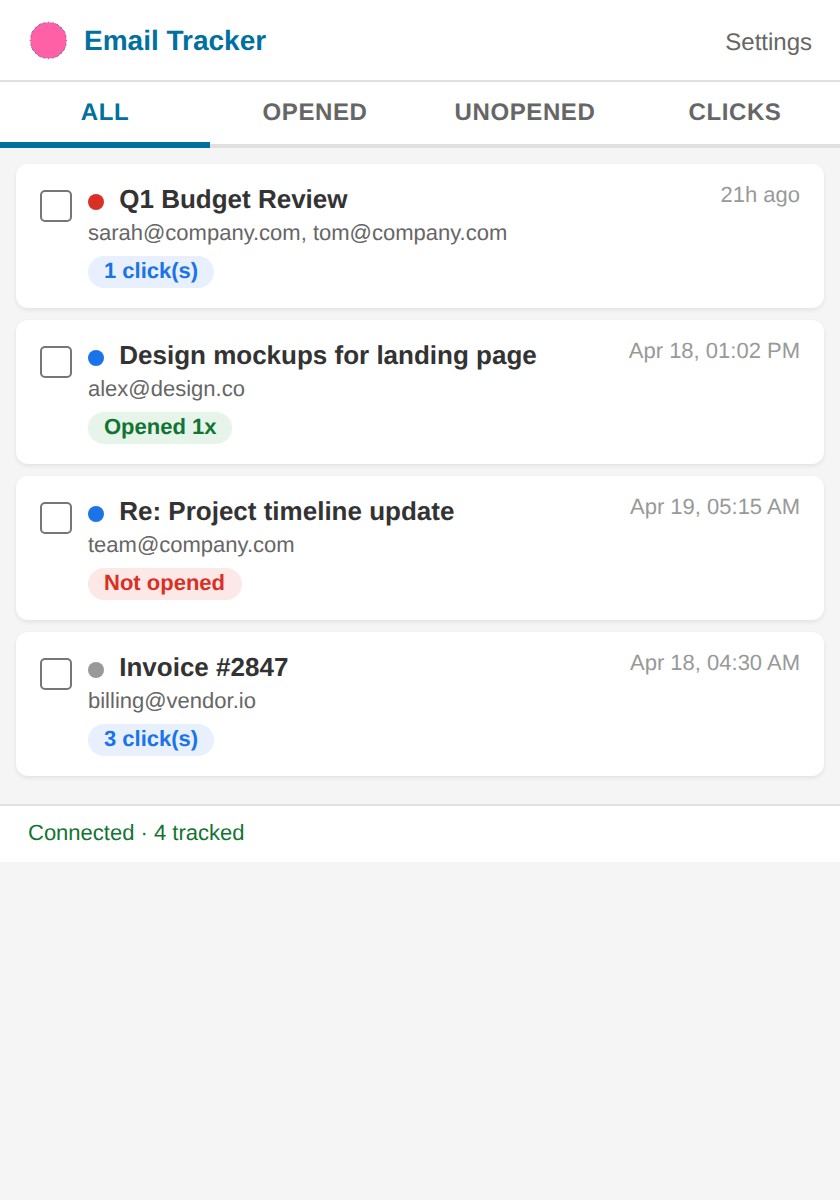
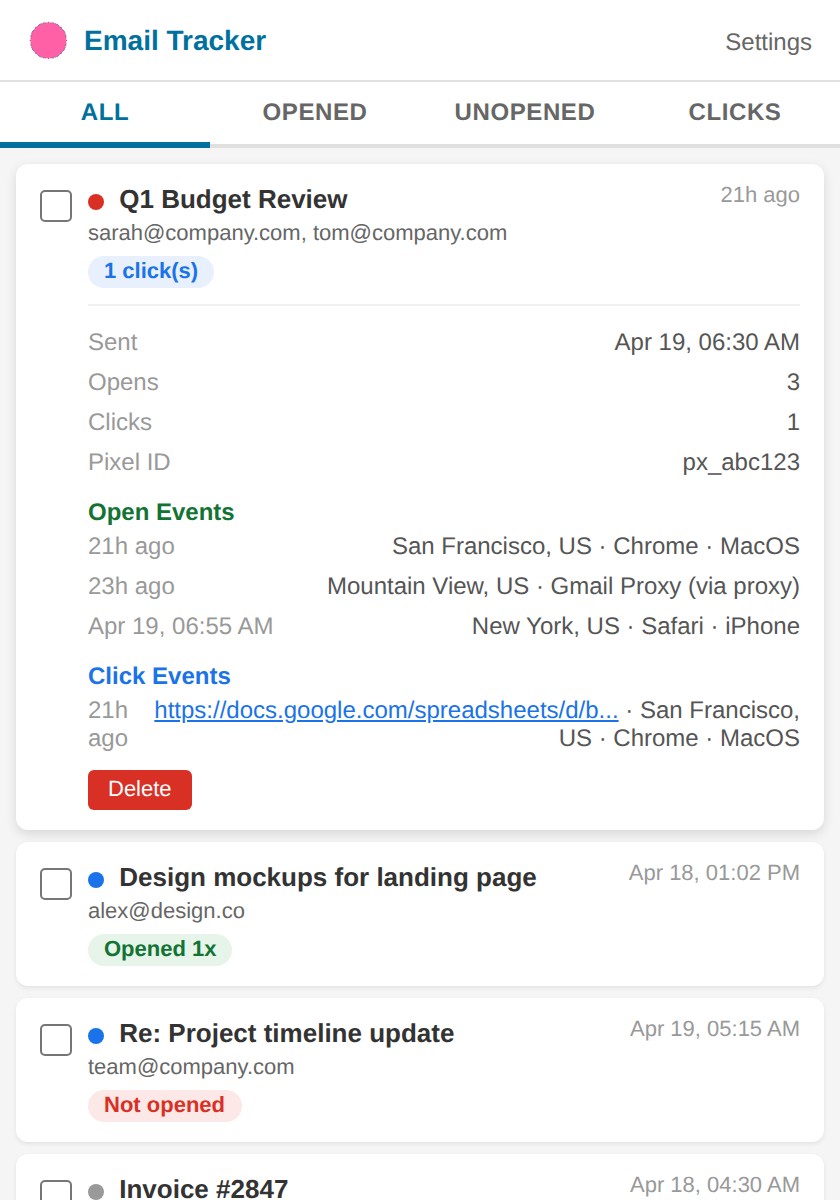
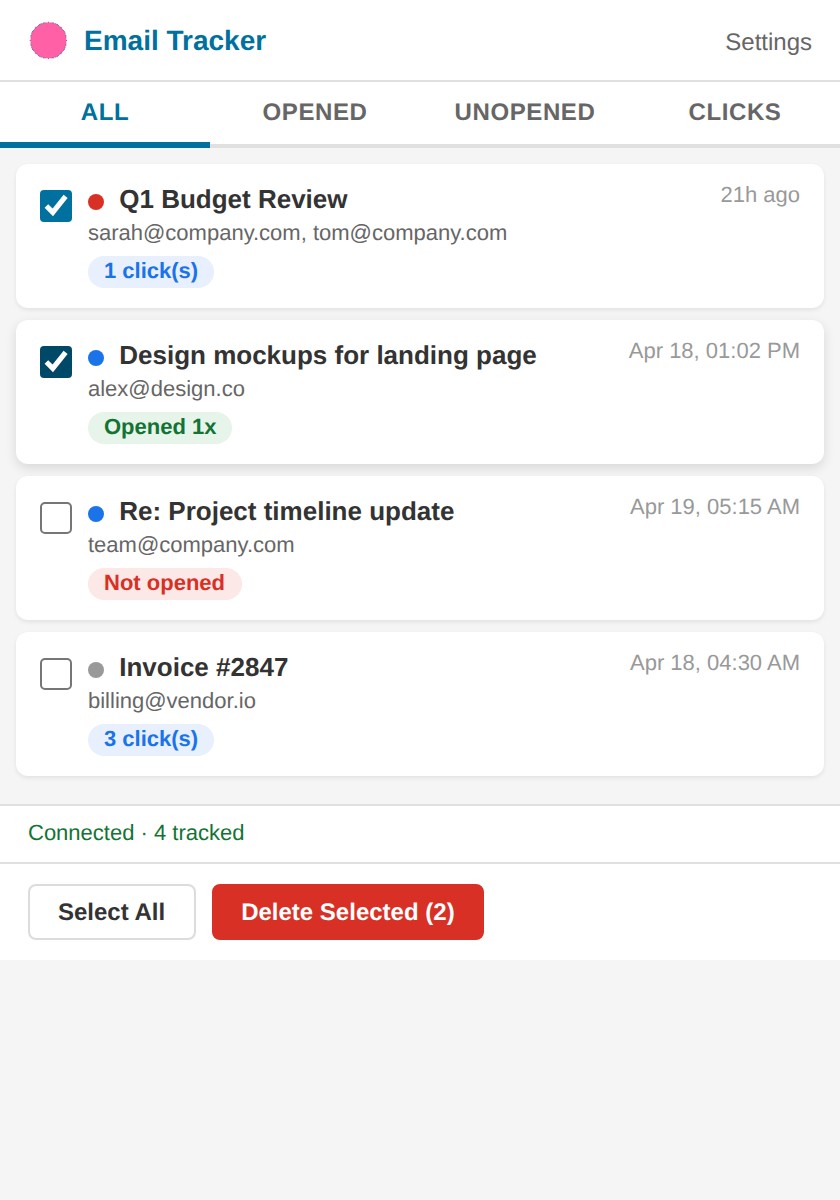
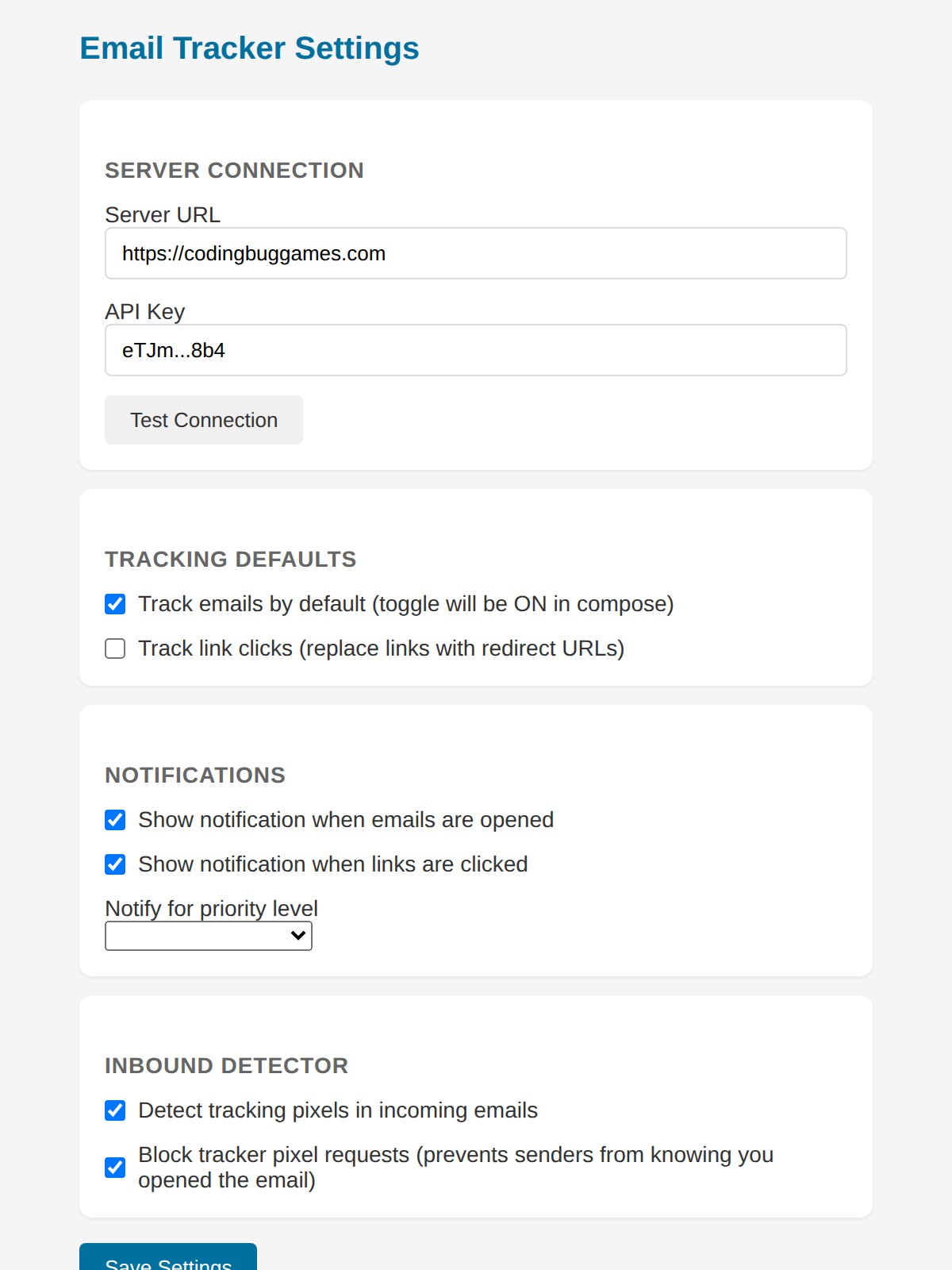
The Challenge
Problem
The most popular email tracking extensions for Gmail handle sensitive authentication data and email content. After auditing one with over a million users, I found it was capturing auth tokens, running eval() on remote code, stripping content security policies, and requesting permissions far beyond what was needed. Every alternative had the same problem — your email data flows through their servers, and you have no control over what they do with it.
The Solution
Approach
Built a fully self-hosted alternative where the only data that leaves Gmail is a pixel load request and an API call to your own server. The Chrome extension uses Manifest V3 with minimal permissions, no remote code loading, and no eval(). The backend runs on a personal server with API key auth, SQLite storage, and nginx reverse proxy. Gmail's image proxy was a significant technical challenge — it caches pixels after the first load, so link click tracking was implemented as a more reliable fallback that captures real device and location data. The inbound tracker blocker uses declarativeNetRequest to block 30+ known tracking services without intercepting page content.
Key Features
What it does
Outbound email open tracking via invisible tracking pixels
Link click tracking with real device and geolocation data
Inbound tracker detection and blocking for 30+ known tracking services
Priority flagging (High/Normal/Low) with configurable desktop notifications
Self-hosted backend with API key authentication — no third-party data access